> ## Documentation Index
> Fetch the complete documentation index at: https://kalpi.ai/docs/llms.txt
> Use this file to discover all available pages before exploring further.
# My Strategies
> Manage your saved baskets, configure alerts, and deploy to live execution.
The **My Strategies** section acts as your personal command center for all the baskets you have built or customized.
 ## Managing Your Baskets
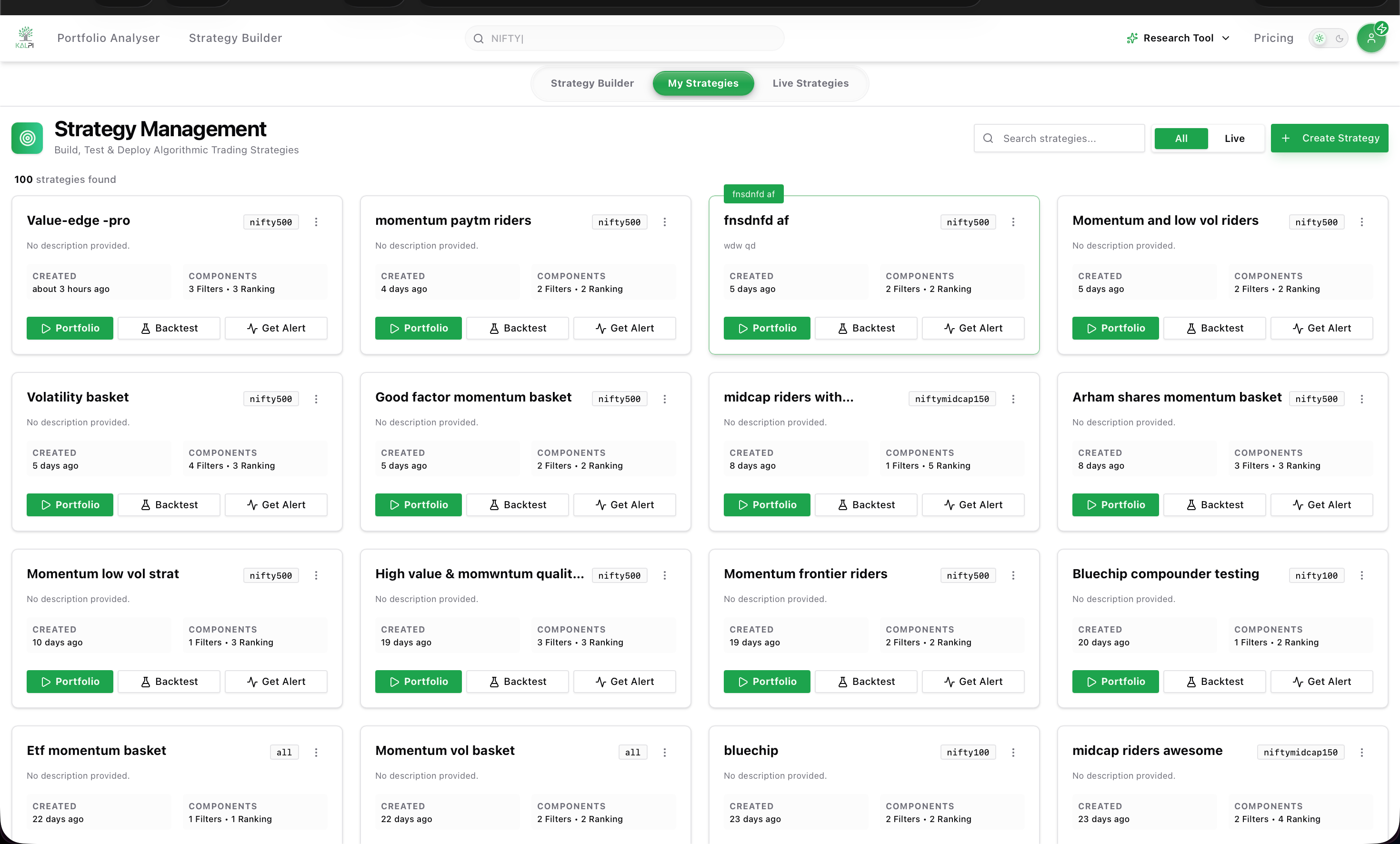
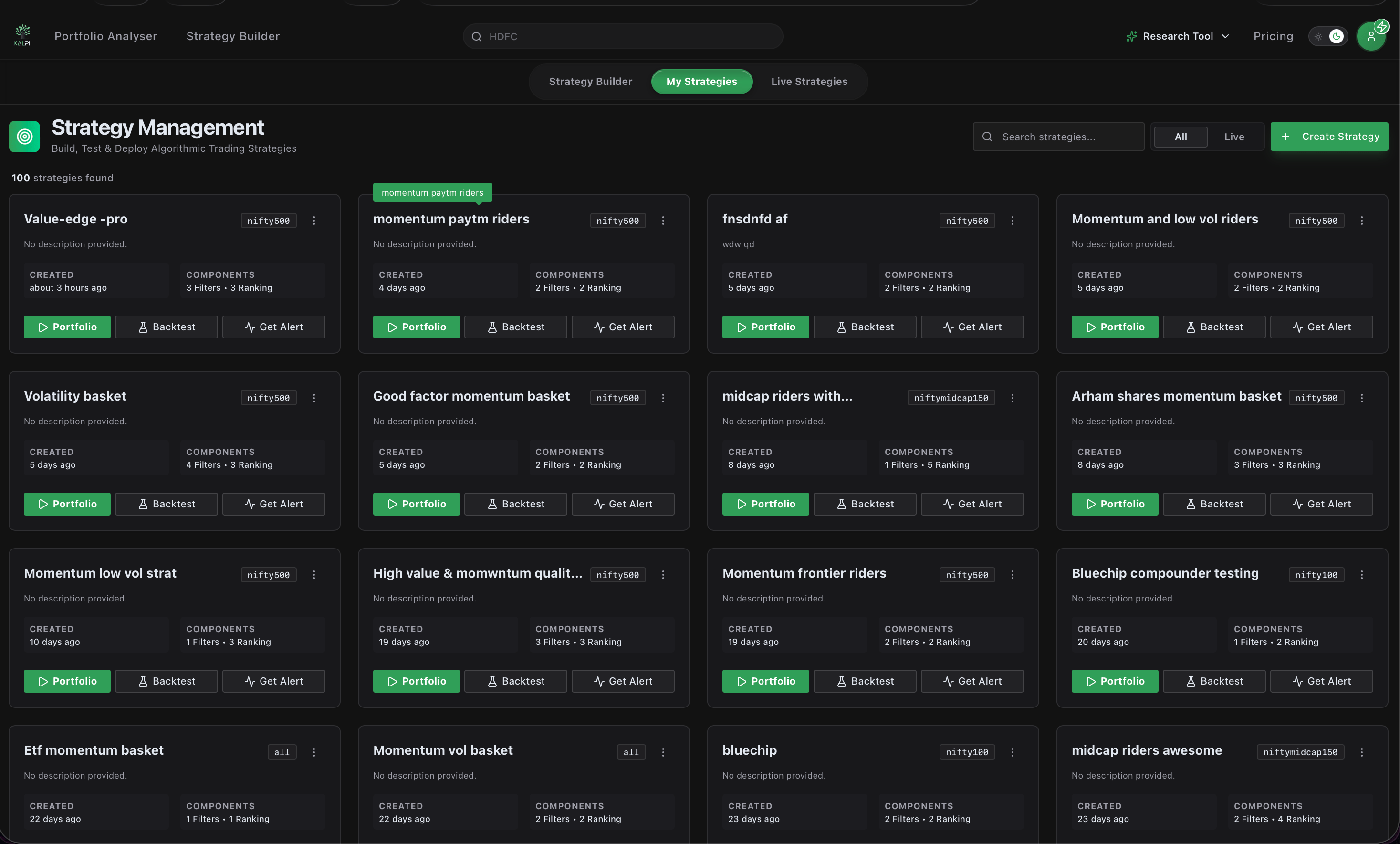
From this dashboard, you can view every saved strategy at a glance.
### Filtering Active Strategies
At the top right of the dashboard, you can use the **All / Live** toggle to quickly filter your view. Selecting **Live** instantly isolates only the strategies you have actively deployed to the market (indicated by the red `LIVE` badge on the strategy card).
### Core Functions
For each individual basket, you can access three core functions:
Clicking **Portfolio** generates the live execution data for your strategy. Here you can:
* Enter your desired **Investment Amount** to automatically calculate the exact quantity of each stock to buy.
* Compare the strategy's **Ideal Weight** against the **Actual Weight** (which adjusts based on live market prices).
* Click **Edit Strategy** to tweak your rules in the builder, or click **Invest Now** to execute the basket via your connected broker.
Keep track of your strategy's evolution without needing to log in daily. Click **Get Alert** to configure **Email Notifications** on a Daily, Weekly, or Monthly schedule. Kalpi will notify your inbox whenever the strategy rules dictate that stocks should be added or deleted.
While viewing the strategy logic is available to everyone, historical backtesting simulation is currently an exclusive feature for our Institutional platform (coming soon to retail). Institutional users can run these simulations to view historical risk metrics like Net Profit and Maximum Drawdown.
**Live Execution:** Because fractional shares are not available in Indian markets, Kalpi automatically calculates the closest possible stock quantities based on your total Investment Amount. Always review the "Actual Weight" column before clicking **Invest Now**.
***
Once you click 'Invest Now', your basket moves to the Live Strategies tab. Click here to learn how to monitor drift and execute rebalancing.
## Managing Your Baskets
From this dashboard, you can view every saved strategy at a glance.
### Filtering Active Strategies
At the top right of the dashboard, you can use the **All / Live** toggle to quickly filter your view. Selecting **Live** instantly isolates only the strategies you have actively deployed to the market (indicated by the red `LIVE` badge on the strategy card).
### Core Functions
For each individual basket, you can access three core functions:
Clicking **Portfolio** generates the live execution data for your strategy. Here you can:
* Enter your desired **Investment Amount** to automatically calculate the exact quantity of each stock to buy.
* Compare the strategy's **Ideal Weight** against the **Actual Weight** (which adjusts based on live market prices).
* Click **Edit Strategy** to tweak your rules in the builder, or click **Invest Now** to execute the basket via your connected broker.
Keep track of your strategy's evolution without needing to log in daily. Click **Get Alert** to configure **Email Notifications** on a Daily, Weekly, or Monthly schedule. Kalpi will notify your inbox whenever the strategy rules dictate that stocks should be added or deleted.
While viewing the strategy logic is available to everyone, historical backtesting simulation is currently an exclusive feature for our Institutional platform (coming soon to retail). Institutional users can run these simulations to view historical risk metrics like Net Profit and Maximum Drawdown.
**Live Execution:** Because fractional shares are not available in Indian markets, Kalpi automatically calculates the closest possible stock quantities based on your total Investment Amount. Always review the "Actual Weight" column before clicking **Invest Now**.
***
Once you click 'Invest Now', your basket moves to the Live Strategies tab. Click here to learn how to monitor drift and execute rebalancing.