> ## Documentation Index
> Fetch the complete documentation index at: https://kalpi.ai/docs/llms.txt
> Use this file to discover all available pages before exploring further.
# Welcome to Kalpi
> Get started with our intelligent quant platform in minutes.
[Kalpi](https://kalpi.ai) is a comprehensive systematic investing platform designed to bridge the gap between institutional-level research and retail investors. All your factor investing tools are in one intelligent layer, so you can build, backtest, and invest smarter.
Follow this quick guide to get your account set up and ready to deploy your first strategy.
## 1. Sign Up & Login
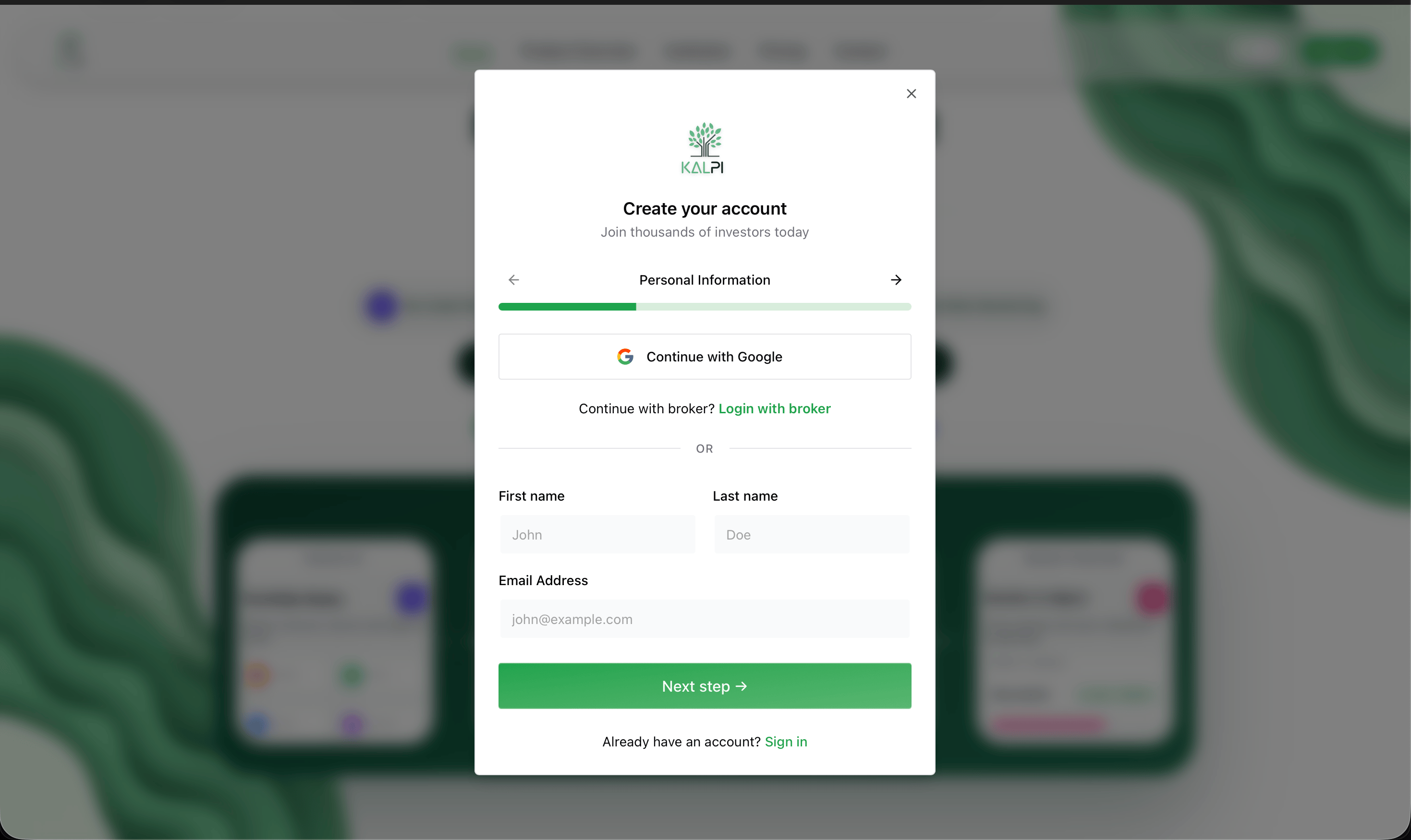
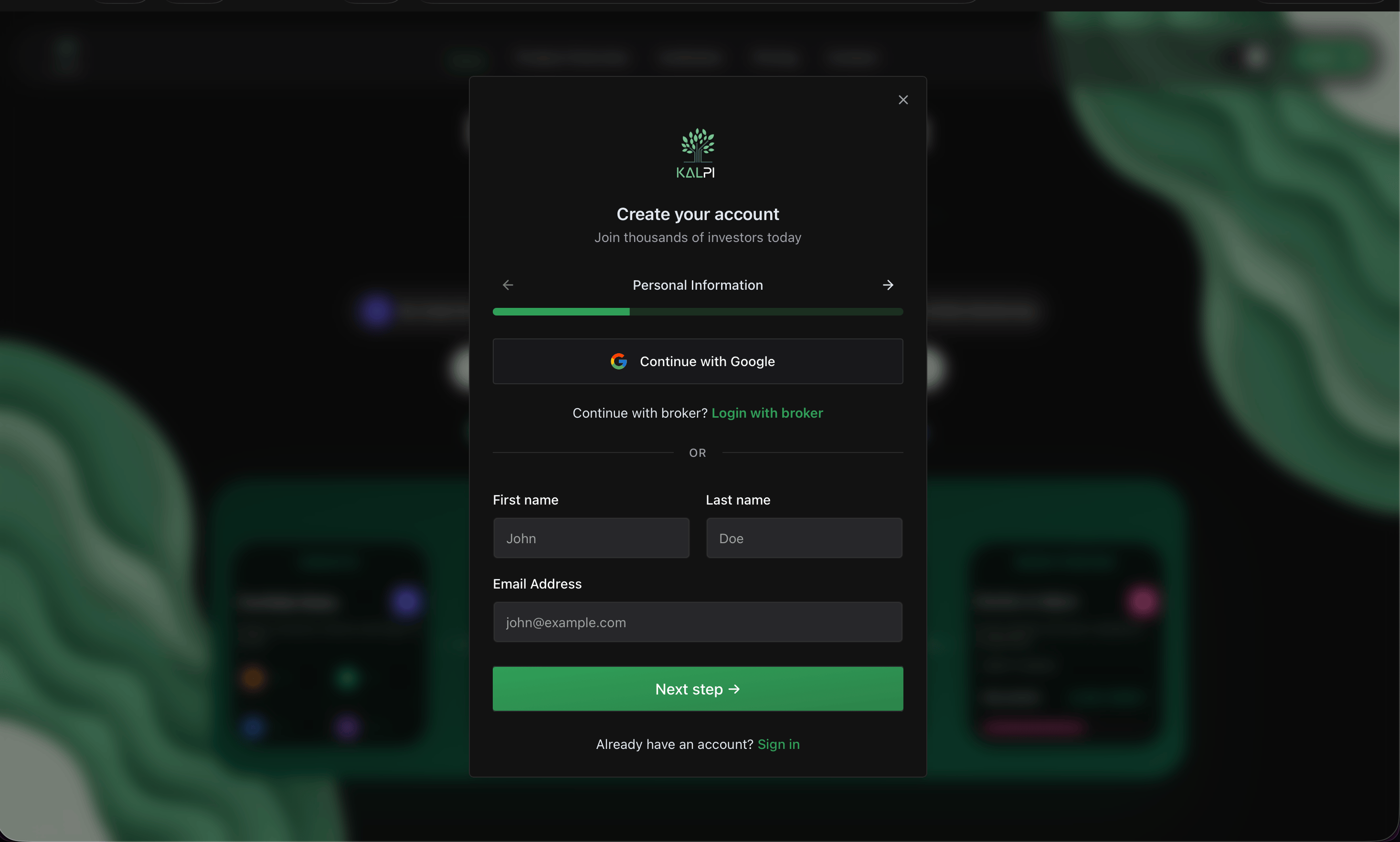
Creating your account is seamless. You can [register](https://kalpi.ai/?auth=register) and log in to Kalpi through the [Login Page](https://kalpi.ai/?auth=login) using any of the three secure methods:
* **Google Account:** Instant, one-click access.
* **Email & Password:** Standard secure login.
* **Broker Login:** Connect directly using your existing brokerage credentials.
 ## 2. Platform Setup
To get the most out of Kalpi's automated features, we highly recommend completing these two essential setup steps before building your first strategy:
Kalpi provides real-time alerts for market shifts, drift checks, and auto-rebalancing signals. Since you provided your mobile number during registration, activating alerts takes [one click](https://kalpi.ai/research/alerts).
* Navigate to your **Profile Section** via the menu.
* Scroll to Notifications and toggle **WhatsApp Alerts** to 'On' so you never miss a critical portfolio update.
To transition from backtesting to live deployment, link your existing brokerage account. Kalpi uses secure, bank-grade API connections with **read-only and execution access** (we cannot withdraw your funds).
* Go to the **Broker Profile** tab in your settings.
* Click **Connect Broker** and select your provider (e.g., Zerodha, Upstox).
* Follow the secure authorization prompts.
**Total Control:** You can disconnect your broker or modify your alert settings at any time directly from your dashboard settings.
***
## Next Steps
Now that your account is set up, click here to learn how to use the Portfolio Builder to select your universe, apply filters, and assign weightages.
## 2. Platform Setup
To get the most out of Kalpi's automated features, we highly recommend completing these two essential setup steps before building your first strategy:
Kalpi provides real-time alerts for market shifts, drift checks, and auto-rebalancing signals. Since you provided your mobile number during registration, activating alerts takes [one click](https://kalpi.ai/research/alerts).
* Navigate to your **Profile Section** via the menu.
* Scroll to Notifications and toggle **WhatsApp Alerts** to 'On' so you never miss a critical portfolio update.
To transition from backtesting to live deployment, link your existing brokerage account. Kalpi uses secure, bank-grade API connections with **read-only and execution access** (we cannot withdraw your funds).
* Go to the **Broker Profile** tab in your settings.
* Click **Connect Broker** and select your provider (e.g., Zerodha, Upstox).
* Follow the secure authorization prompts.
**Total Control:** You can disconnect your broker or modify your alert settings at any time directly from your dashboard settings.
***
## Next Steps
Now that your account is set up, click here to learn how to use the Portfolio Builder to select your universe, apply filters, and assign weightages.