

How to Use Universal Upload
Watch the quick screen recording below to see how easy it is to upload your holdings data into Kalpi.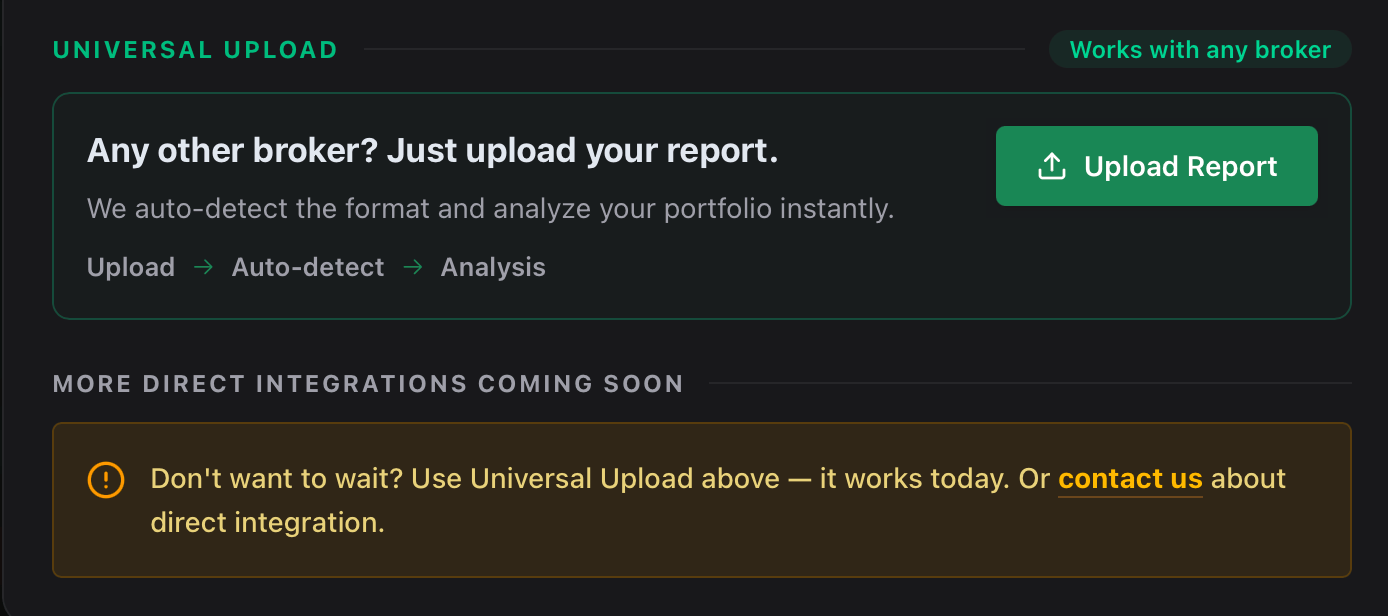
1
Download your Holdings Report
Log into your broker’s platform and export your current holdings as a CSV or Excel file. (See broker-specific instructions below).
2
Navigate to Universal Upload
In Kalpi, go to Analyze Your Portfolio > Overview & Import and select Universal Upload.
3
Upload and Analyze
Drag and drop your file. Kalpi will automatically parse the data and generate your portfolio diagnosis.
Instructions for Popular Brokers
Here is how to find and download your holdings report from brokers that require manual uploads.Angel One
Angel One
- Tap the Account icon at the bottom right corner.
- Scroll to ‘Reports and Statement’ and tap Download Reports.
- Under the ‘Others’ section, select Combined Portfolio Statement.
- Set Portfolio Type to Self and ensure format is set to .XLSX.
- Tap DOWNLOAD to save the statement to your device.
Dhan
Dhan
- Tap your profile icon in the top left header to open Statements & Reports.
- Tap on Holding Summary.
- Tap the Email Holding Summary button at the bottom to send the report directly to your registered email address.
IIFL Securities
IIFL Securities
- Select All Reports from the dashboard menu.
- Expand Portfolio Summaries and choose Tracker/Unrealized.
- Select Cash under Products and choose your desired date range.
- Select Excel under Format.
- Tap Download Report.
Motilal Oswal
Motilal Oswal
- Tap your Profile icon at the top left and select Reports.
- Expand Portfolio and select Holding Summary - All Assets.
- Choose your desired duration and tap Get Reports.
- The report will be delivered to your registered email address within 24 hours.